.webp?width=48&name=Employee-photos--3-2%20(1).webp)


Get a walkthrough of Pio from warehouse expert Craig, or ask our chatbot.


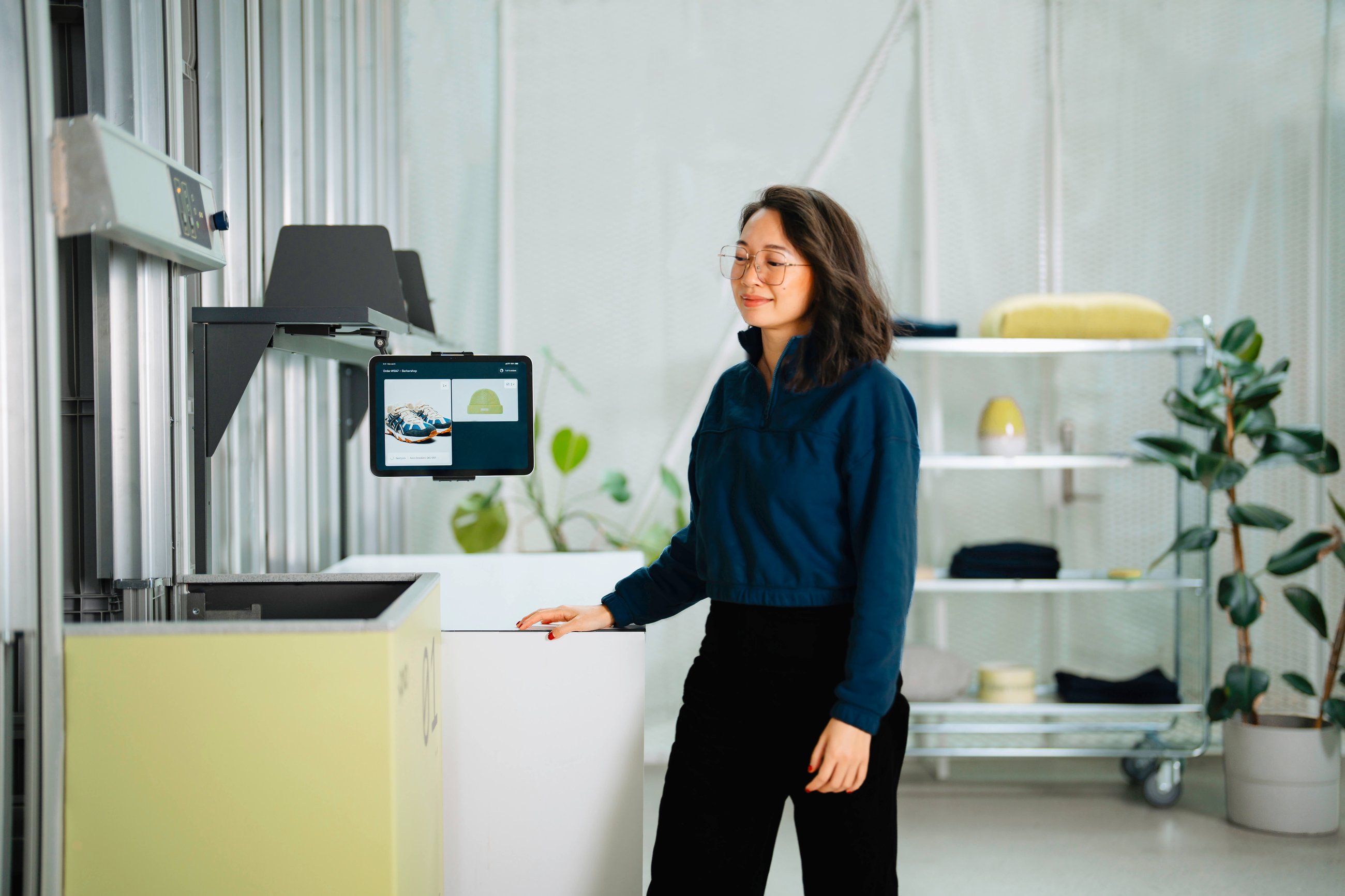
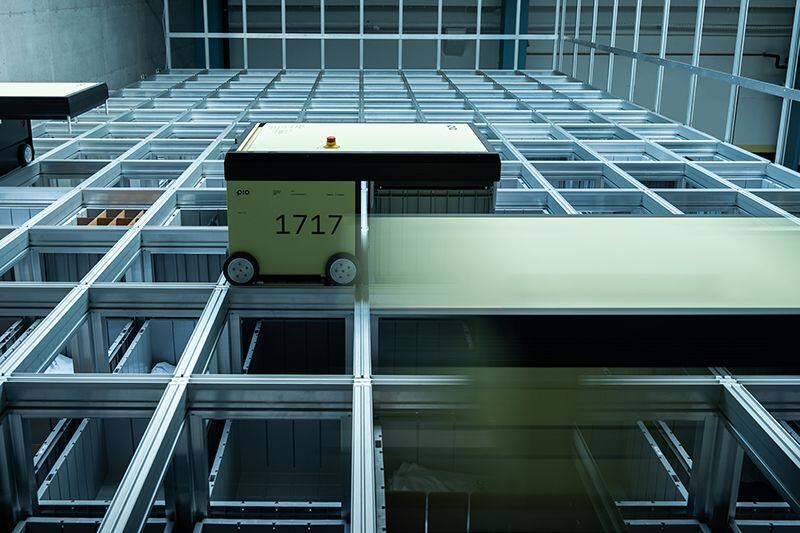
Pio stores inventory in bins stacked inside an aluminum grid. Robots drive across the top of the grid, retrieve the bin needed for an order and bring it to a port, where your team picks the items. The Pio app manages orders and inventory and connects with the ecommerce platform, ERP, or WMS you already use.
FAST TRACK: Tracks run in two directions across the top of the grid, so robots move quickly and can reach any stack of bins without obstacles.
GROW AS YOU GO: The grid is modular, so extending it is easy. In most cases, we can safely isolate the extension area and expand the grid with no downtime and minimal impact on your daily work.
SERVICE ACCESS: The service tower gives access to the top of the grid, with a robot lift for adding or removing robots and a ladder for your team. The service trolley can be used for cleaning the system and simple fixes.
GRID HEIGHT: The grid builds upward to use your ceiling height, so a taller grid stores more in the same footprint. Pio comes in versions for 14 ft (4.3 m), 18 ft (5.5 m), and 22 ft (6.7 m) ceilings.
INSIDE DIMENSIONS
W: 16 in (403 mm) / L: 24 in (603 mm) / H: 12 in (312 mm)
CAPACITY
Volume: 2.67 cubic feet (75.5 L) / Max load: 66 lbs (30 kg)
COMPARTMENTS
Bins come in 1, 2, 4, 8, or 16 compartment configurations. Each compartment holds one SKU.
Fact 1: A bin can hold up to 70 t-shirts, 200 iPhones, or 5 shoe boxes.
Fact 2: The bins are large enough to fit 85% of goods sold on Amazon.
Fact 3: Made of strong HDPE plastic, the bins are so durable that bins from 2005 are still in use.
-1.webp)
RELIABLE TO THE CORE
Each robot works independently, so there is no single point of failure and the system keeps 99.7% uptime. Any robot can collect any bin and deliver it to any port, giving you access to 100% of your stock whenever you need it.
ENERGY EFFICIENT
Each robot takes the closest task by the shortest route. Like an electric car, it recovers energy and feeds it back into its battery.
SEASONAL SCALING
Add robots when your busy season starts and scale back when things calm down, so your capacity follows your order volume.
POWER CONSUMPTION
Avg: 100 W per robot
.jpg)
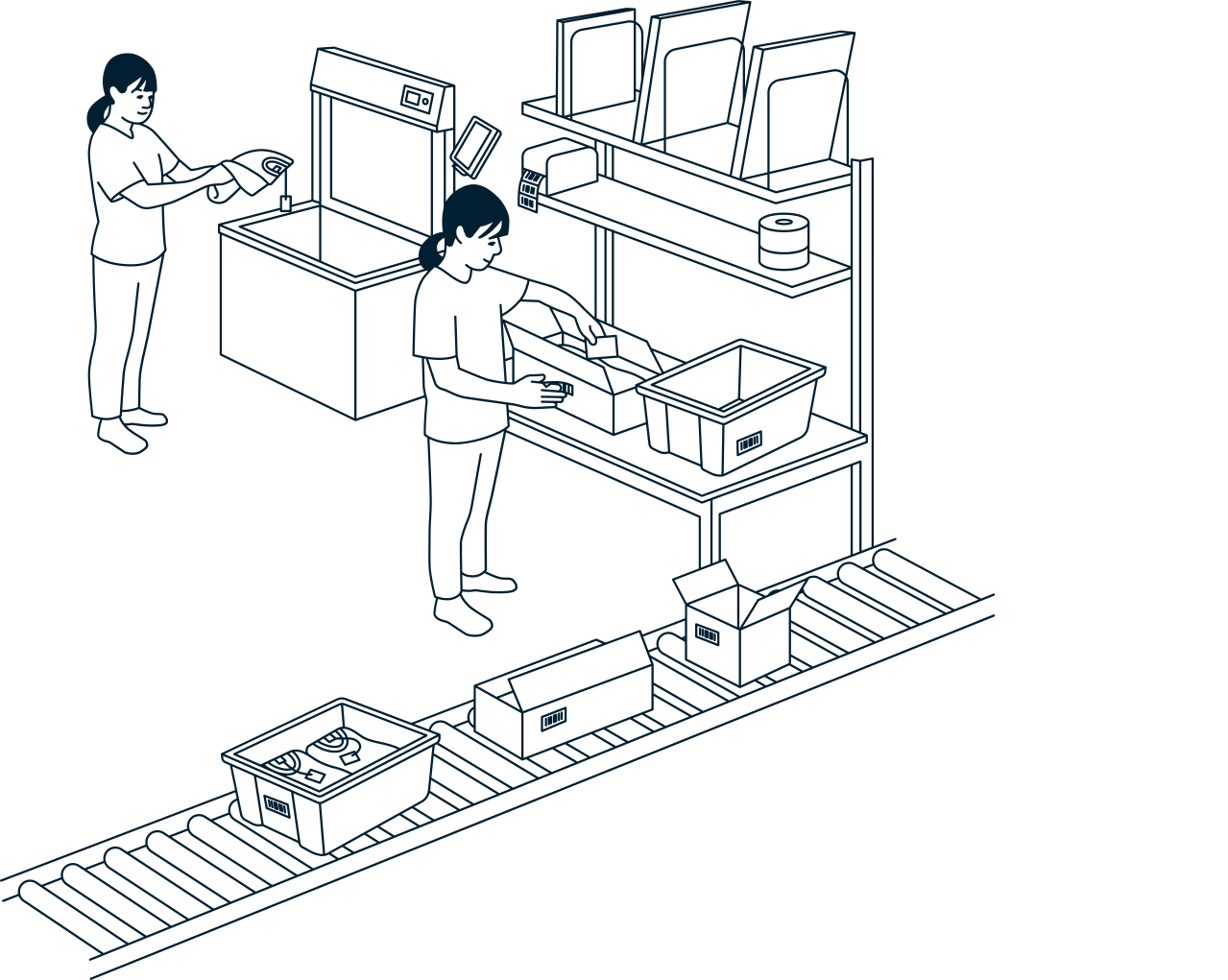
With goods-to-person picking, robots bring bins to the port and your team picks without walking the aisles. That means up to 80% less manual work and 99.9% picking accuracy.
ALL ACCESS:
All of the inventory can be accessed from every port, so you don't risk having inventory stuck if there's a holdup at one workstation. There's no need to pass orders to other workstations to complete them. Orders are simply packed and completed on the spot, reducing human error.
FLEXIBLE
All ports can be used for both picking and storing inventory. You can pick and store at different ports at the same time, so inbound deliveries never delay fulfillment.
POWER CONSUMPTION
Avg: 20 W per port
* Tables and IT equipment are procured by the customer to complete the workstation according to needs.
.jpeg?width=5362&quality=low)
PIO APP
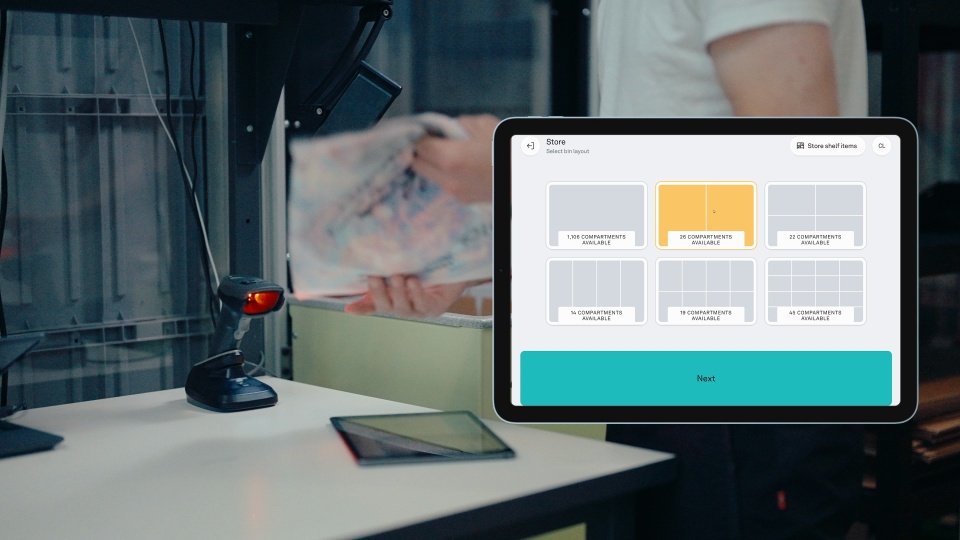
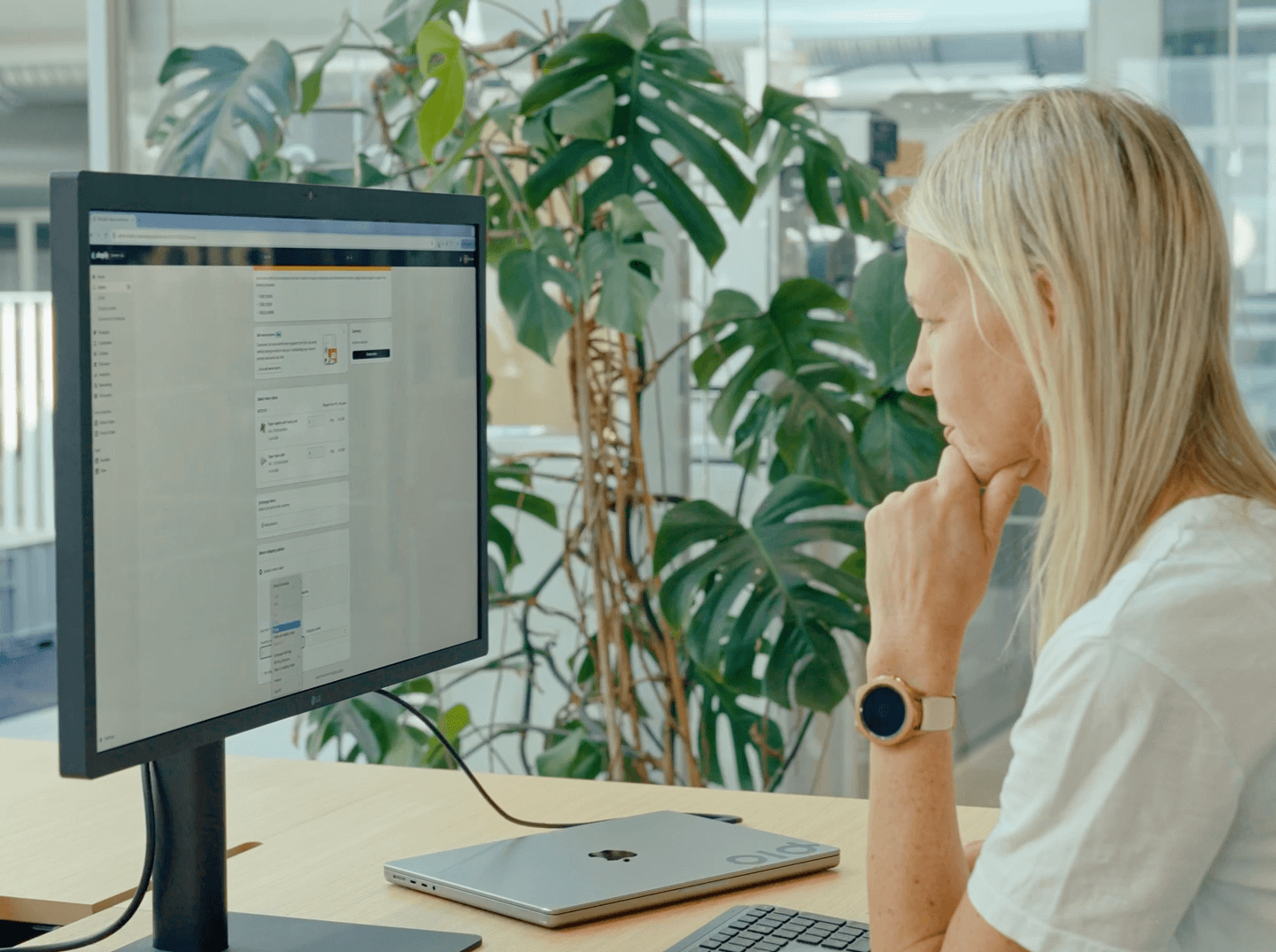
Your team only needs one tool, the Pio app. It runs in the cloud on iPads at the ports and connects to Shopify and other ecommerce platforms, your ERP, or your WMS through the Pio API or ready-made plug-ins.
Areas of integration:
CUSTOMER CONSOLE
Super Users, specially trained team members, use the service software on a separate PC for simple tasks, like starting and stopping the system or adding robots.
CONTROLLER
· Controller PC: The brain that controls the system.
· Uninterruptible power supply (UPS): This ensures the Controller has power and a controlled shutdown in case of a power outage.
· Safety module: Controls the safety functions.
· App server: For supporting apps, backup and cloud connections.
The system needs a stable Wi-Fi connection to run, just like the rest of your software.
-1.png?width=1280&name=PIO_system-overview_transparent_041024%20(1)-1.png)
.svg)