

.webp?width=48&name=Employee-photos--3-2%20(1).webp)


Get a walkthrough of Pio from warehouse expert Craig, or ask our chatbot.


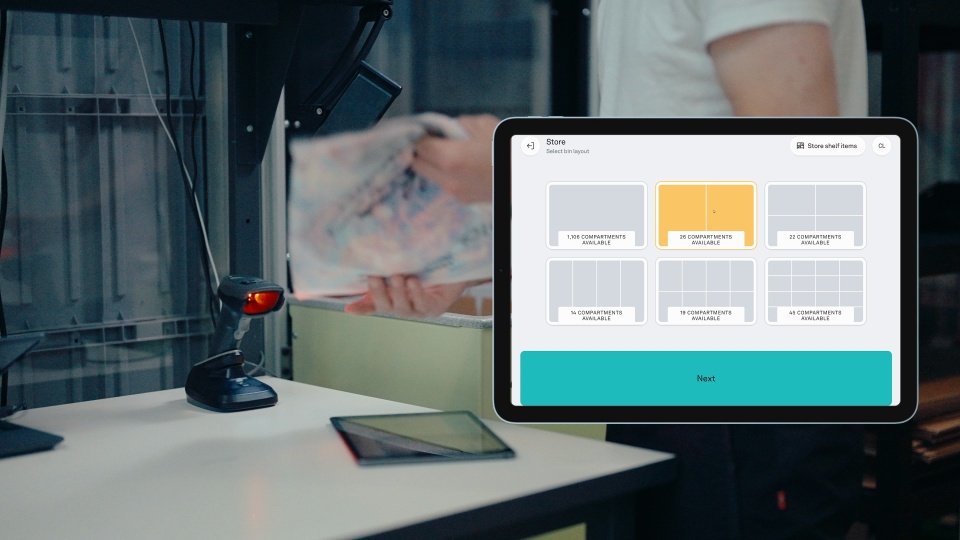
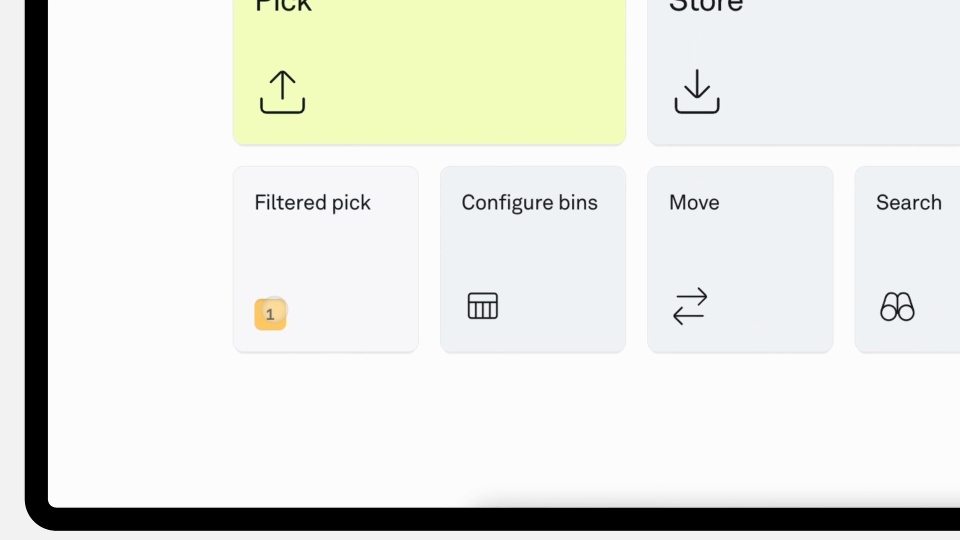
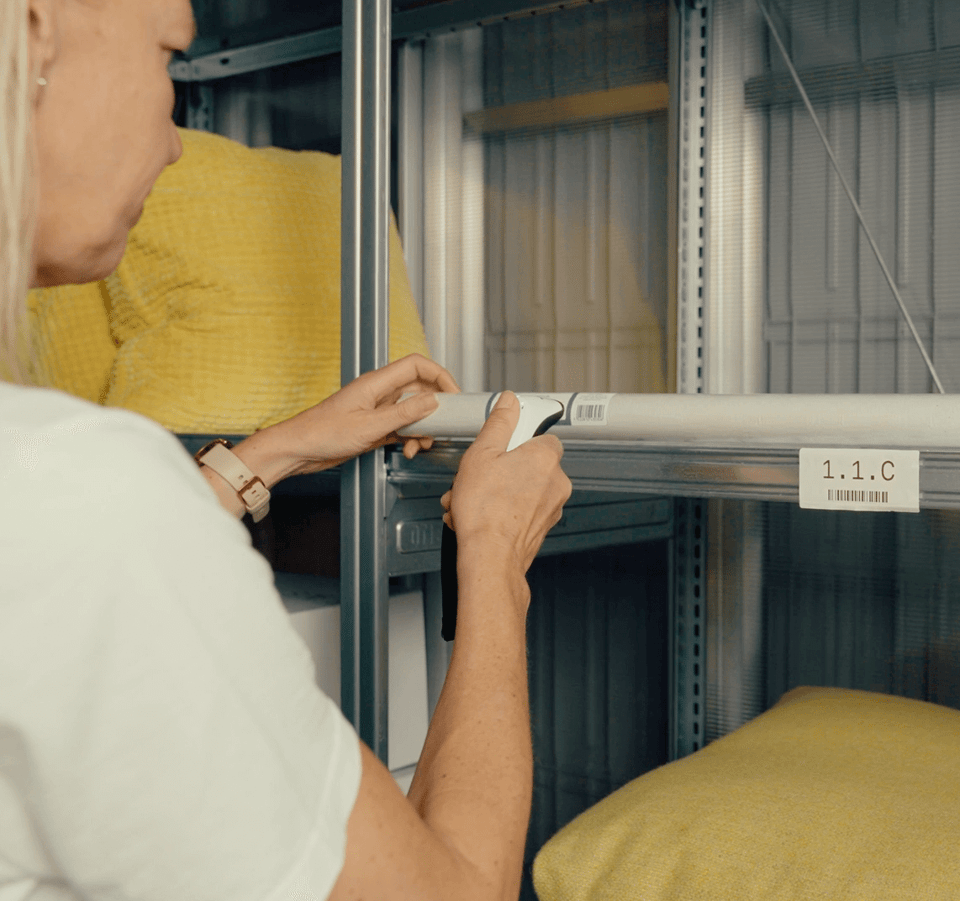
1. Pick shelf orders together.
The most efficient way to handle shelf picking is to start the shelf picking flow, select the number of orders to pick or specific orders.
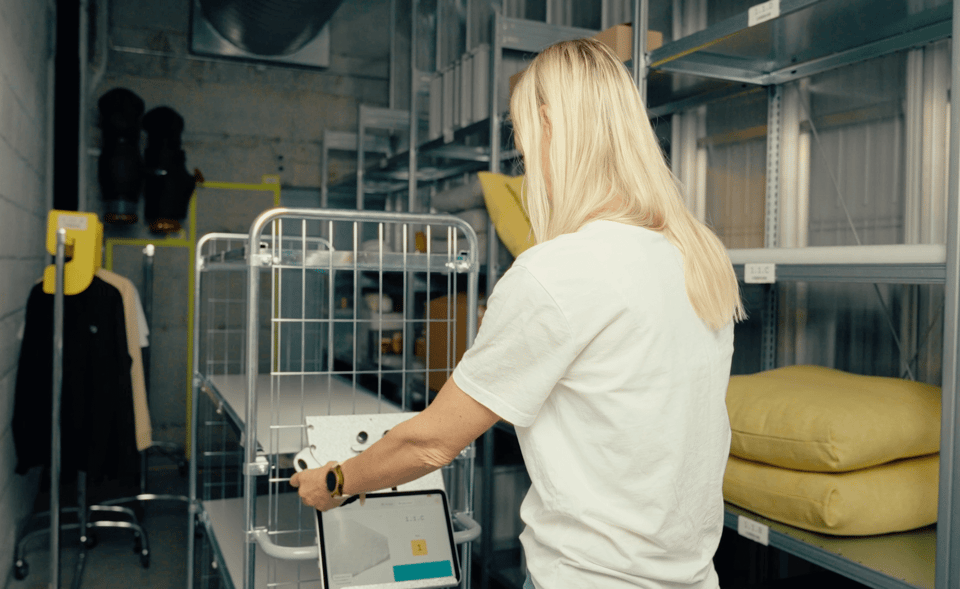
2. Pick products and place them on the trolley.
The app generates an optimized picking route, directing you to each item’s designated shelf location, whether bulky products or backstock, and takes you through a simple picking flow.
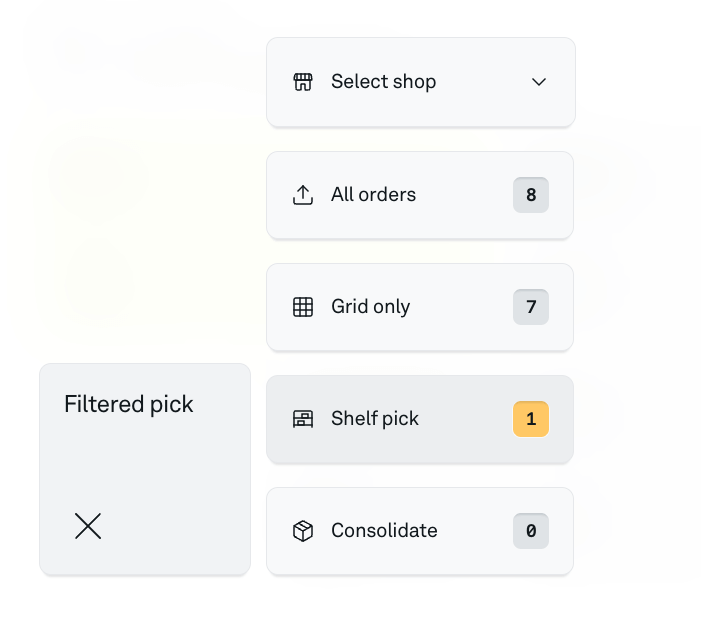
3. Pack and consolidate at a port.
Bring the trolley to a workstation for packing. When all shelf items in an order are picked, grid items in the same order are made available for order consolidation. Start the consolidation flow to pick and pack from both port and trolley.

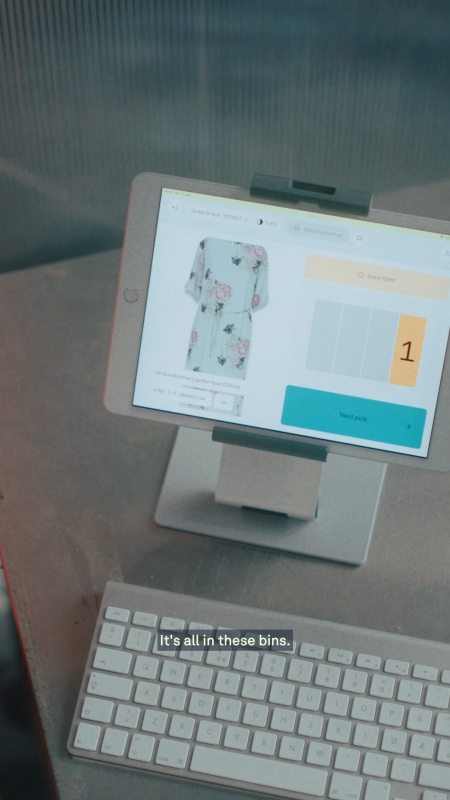


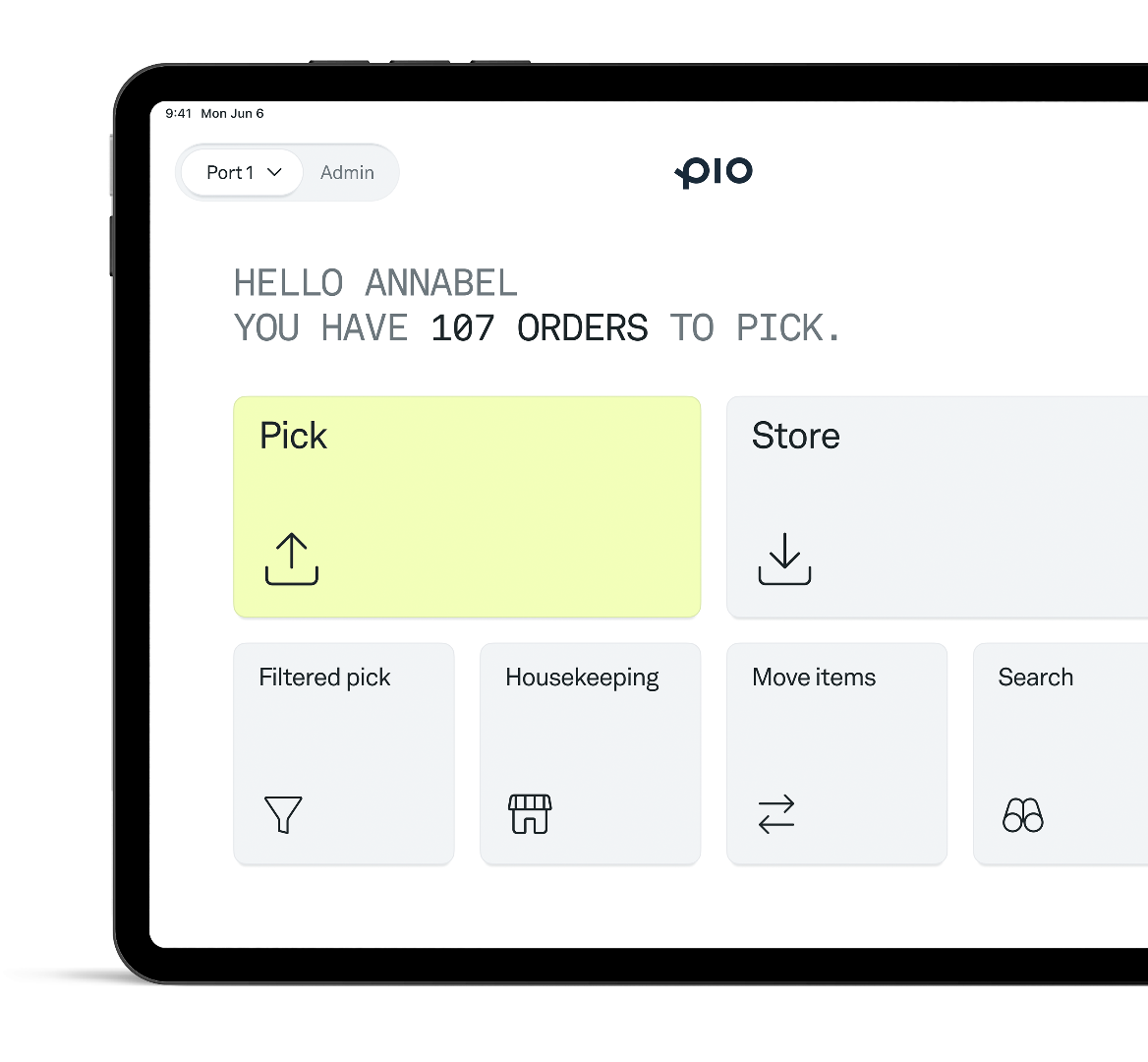
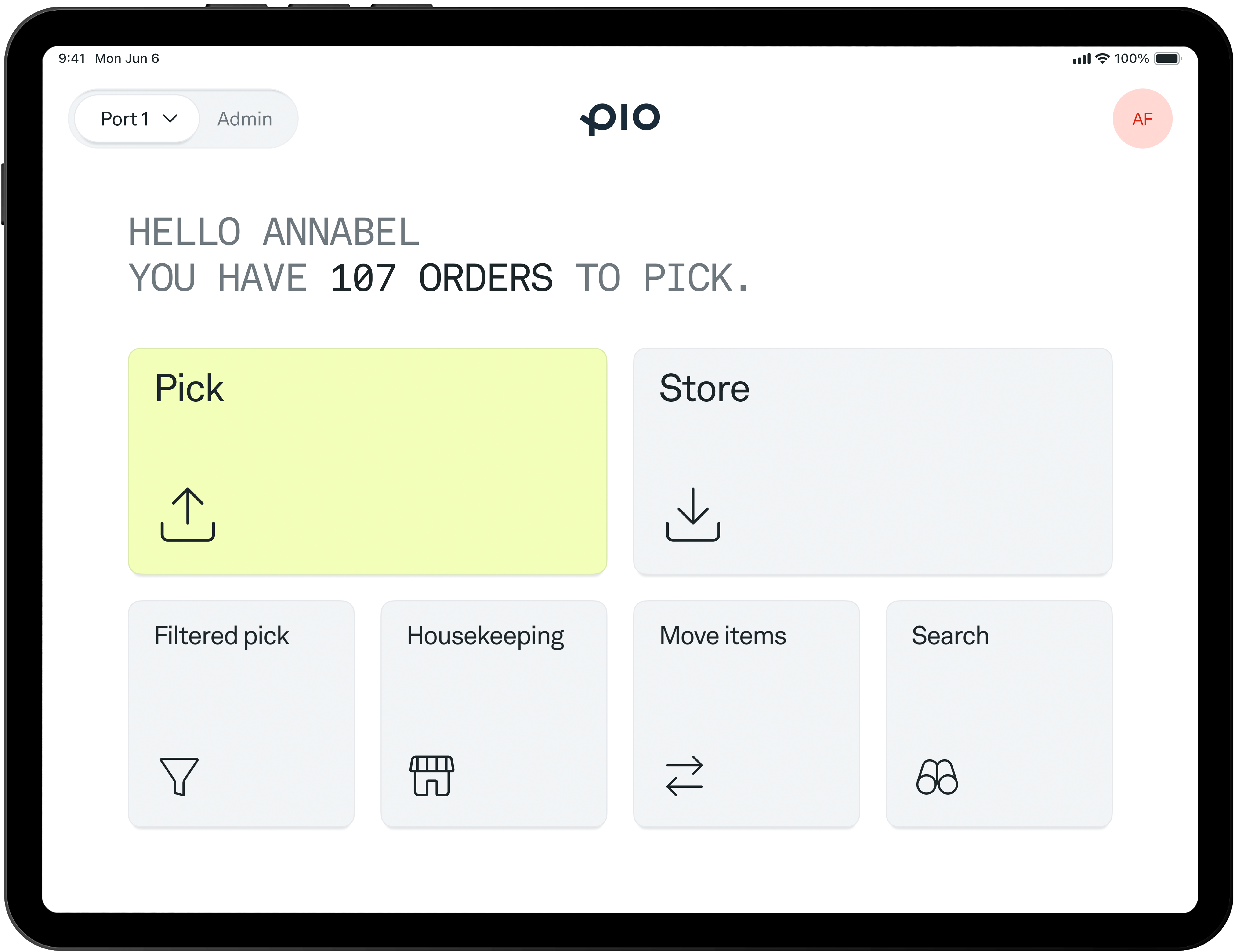
Pio keeps warehouse work simple. Robots bring the bins to your team, while the Pio app guides each step, from storing and picking to shipping and returns. Everything your team needs to keep orders moving, in one easy-to-use app.
Have questions? Book a quick call and we'll show you how Pio fits your warehouse and workflow.

.svg)
.svg)