

.webp?width=48&name=Employee-photos--3-2%20(1).webp)


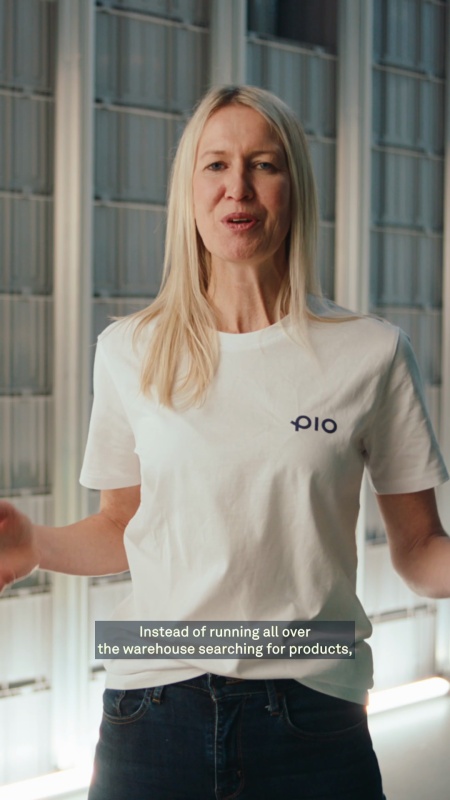
Get a walkthrough of Pio from warehouse expert Craig, or ask our chatbot.


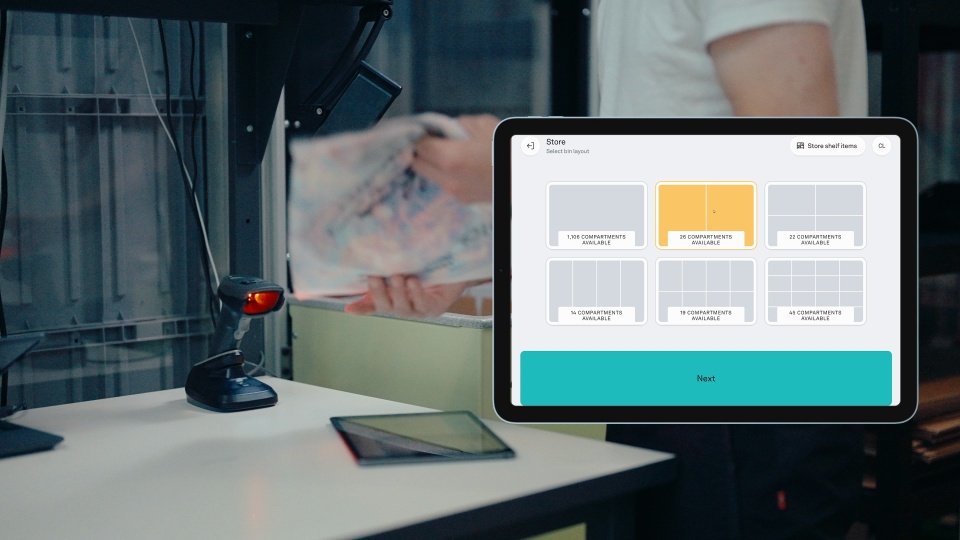
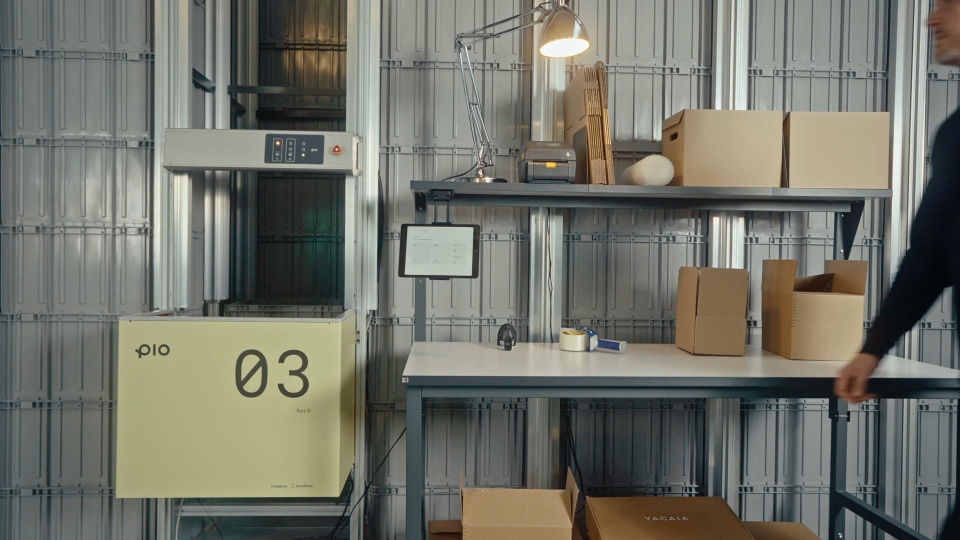
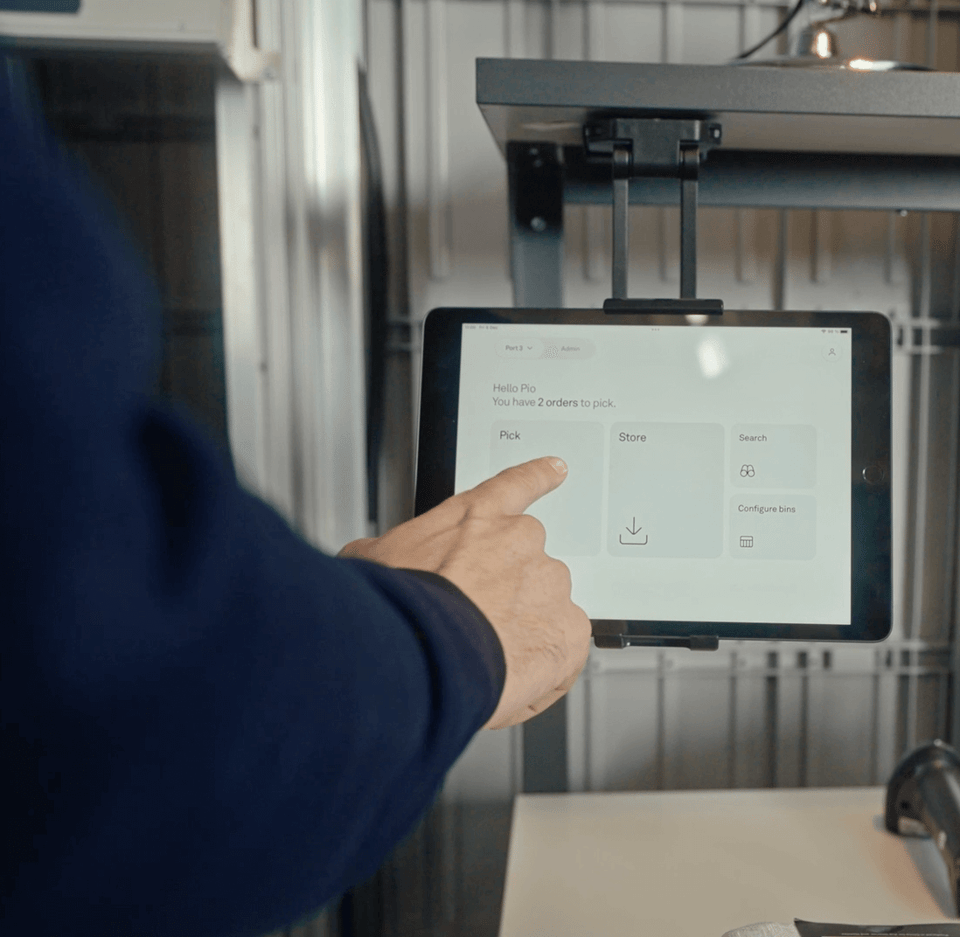
1. Tap “Pick” to start.
See the orders waiting in your backlog and tap “Pick.” Pio gets the right products moving to your workstation.
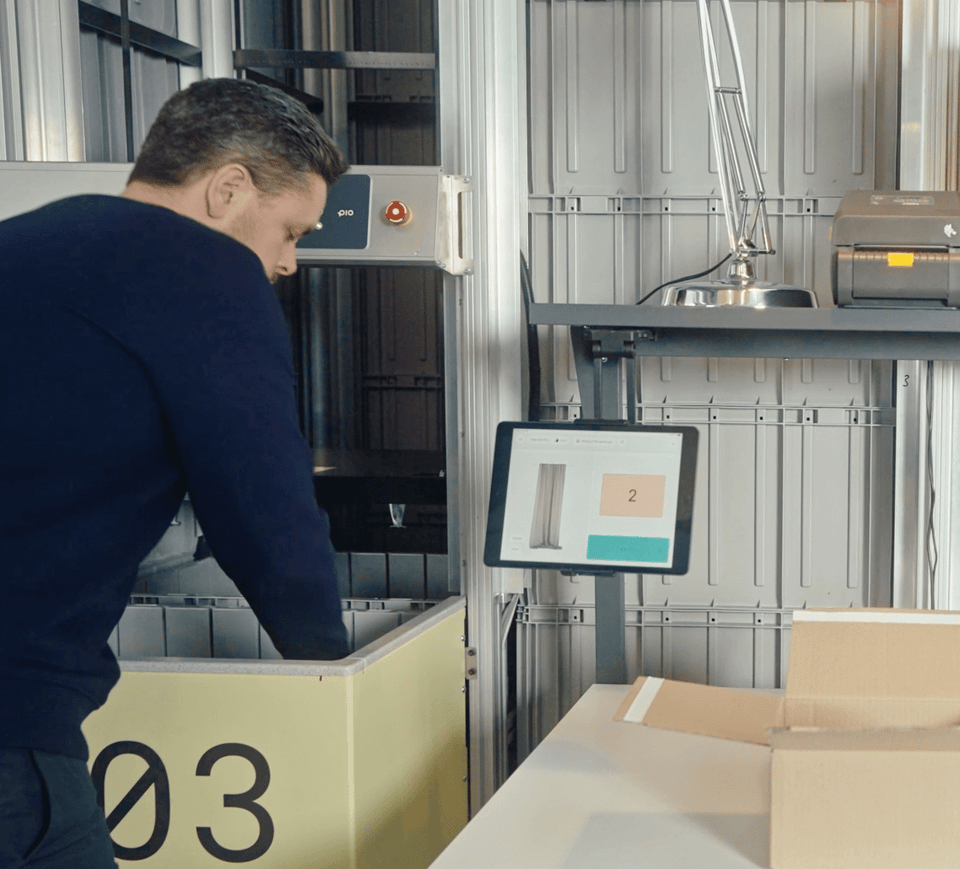
2. Pick, pack, and go.
The robots bring each bin to your port. Pick the items, pack the order, and complete it without walking the warehouse looking for products.
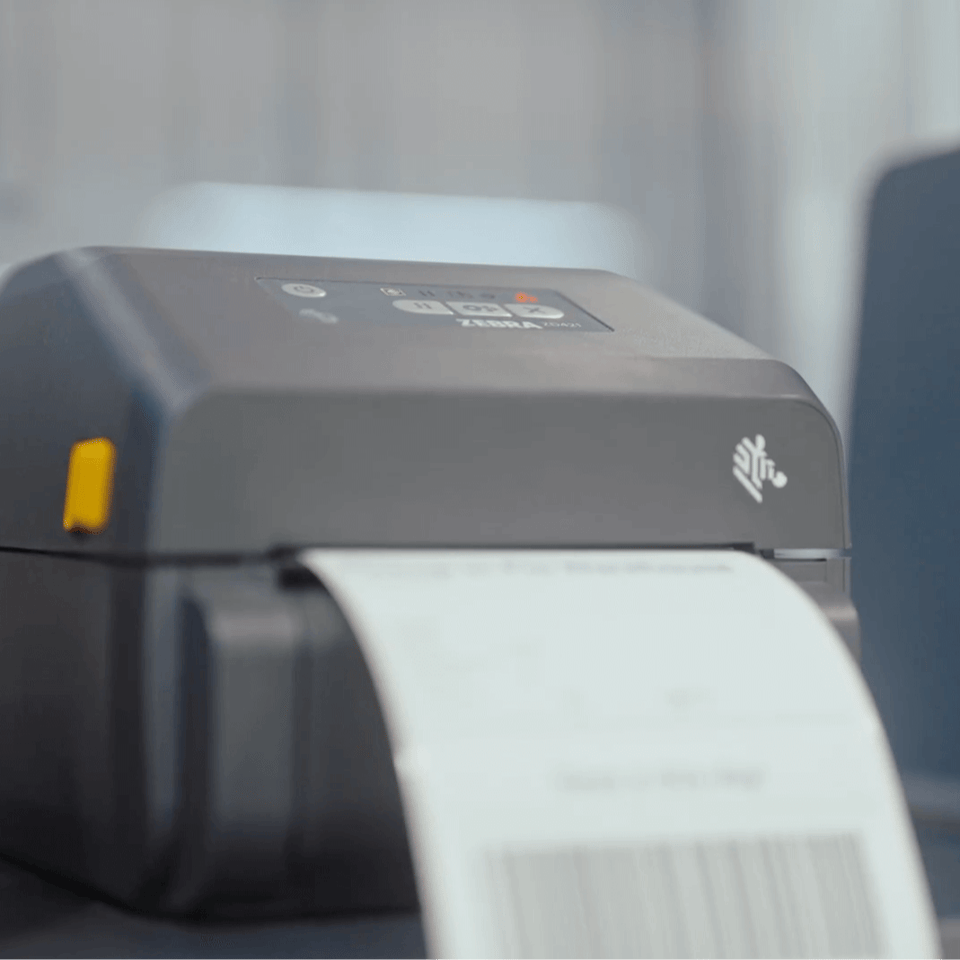
3. Print the label and ship.
Once the order is packed, the shipping label prints automatically. Stick it on and send it out.
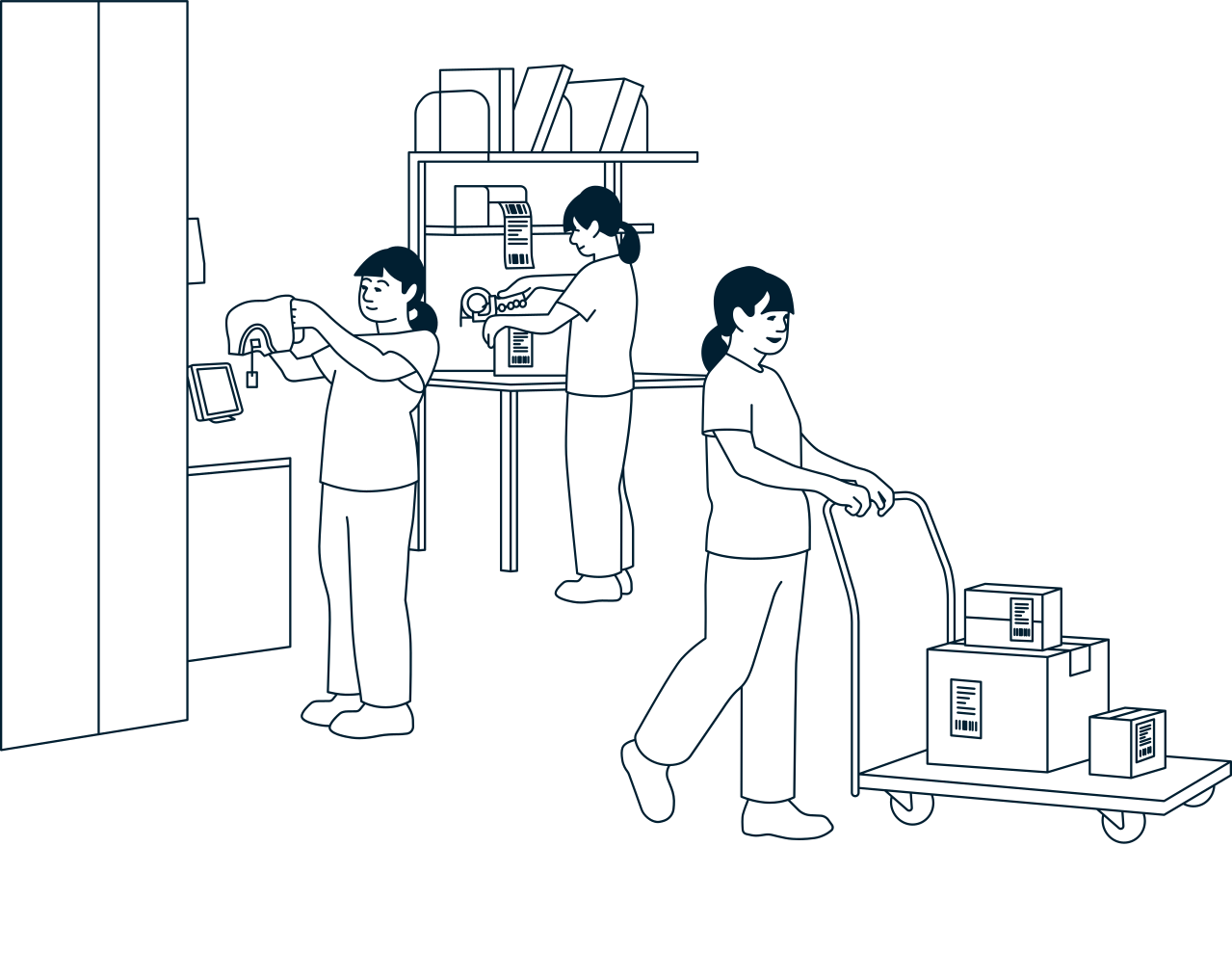
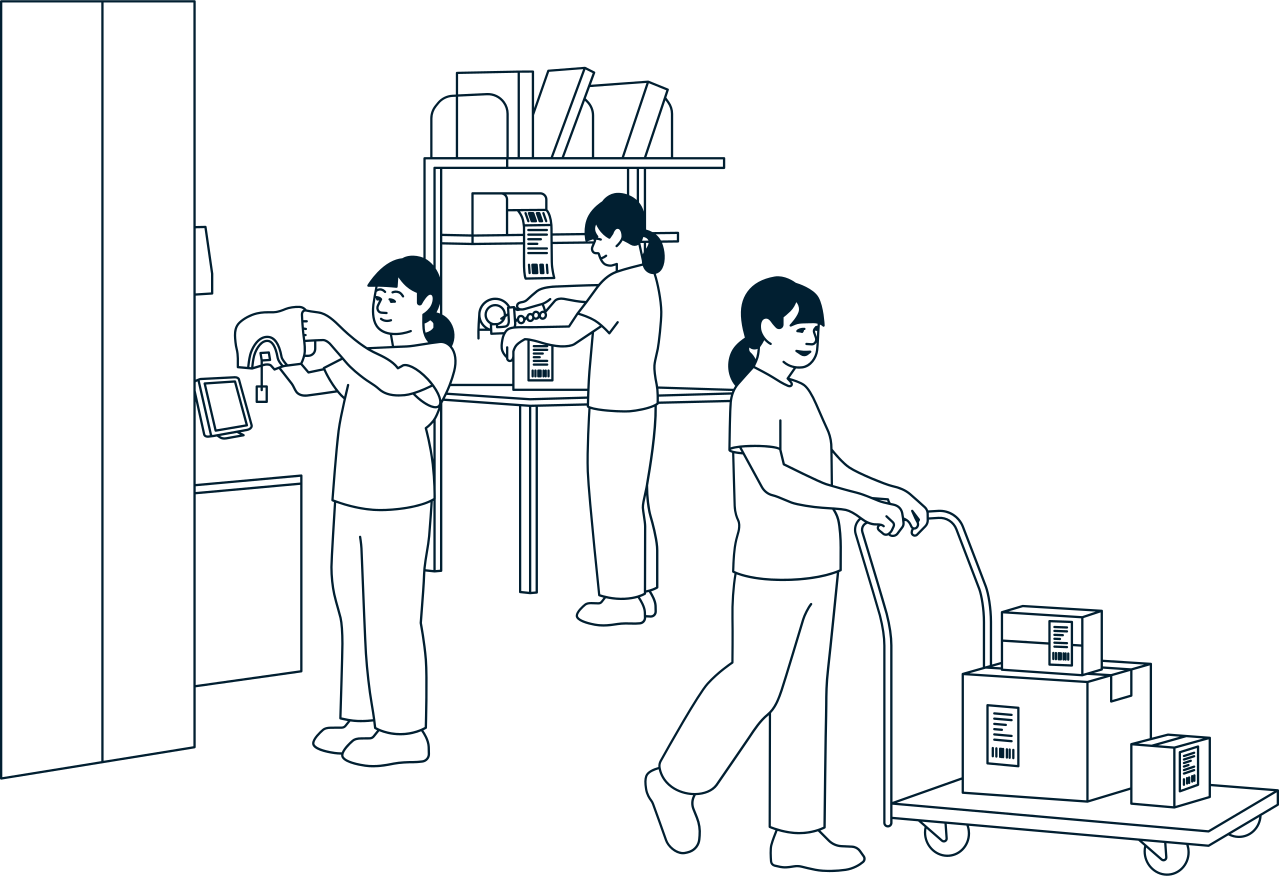







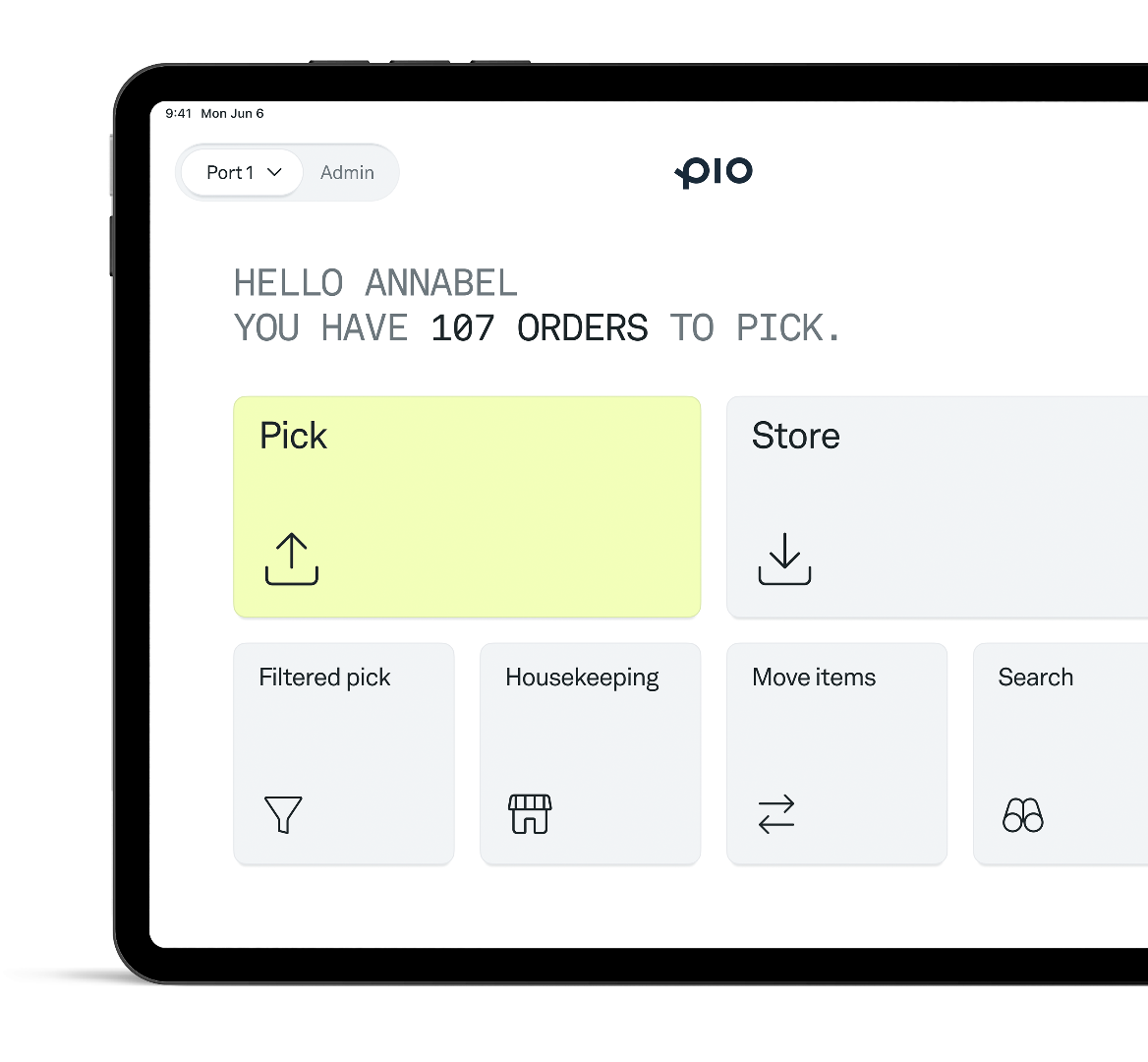
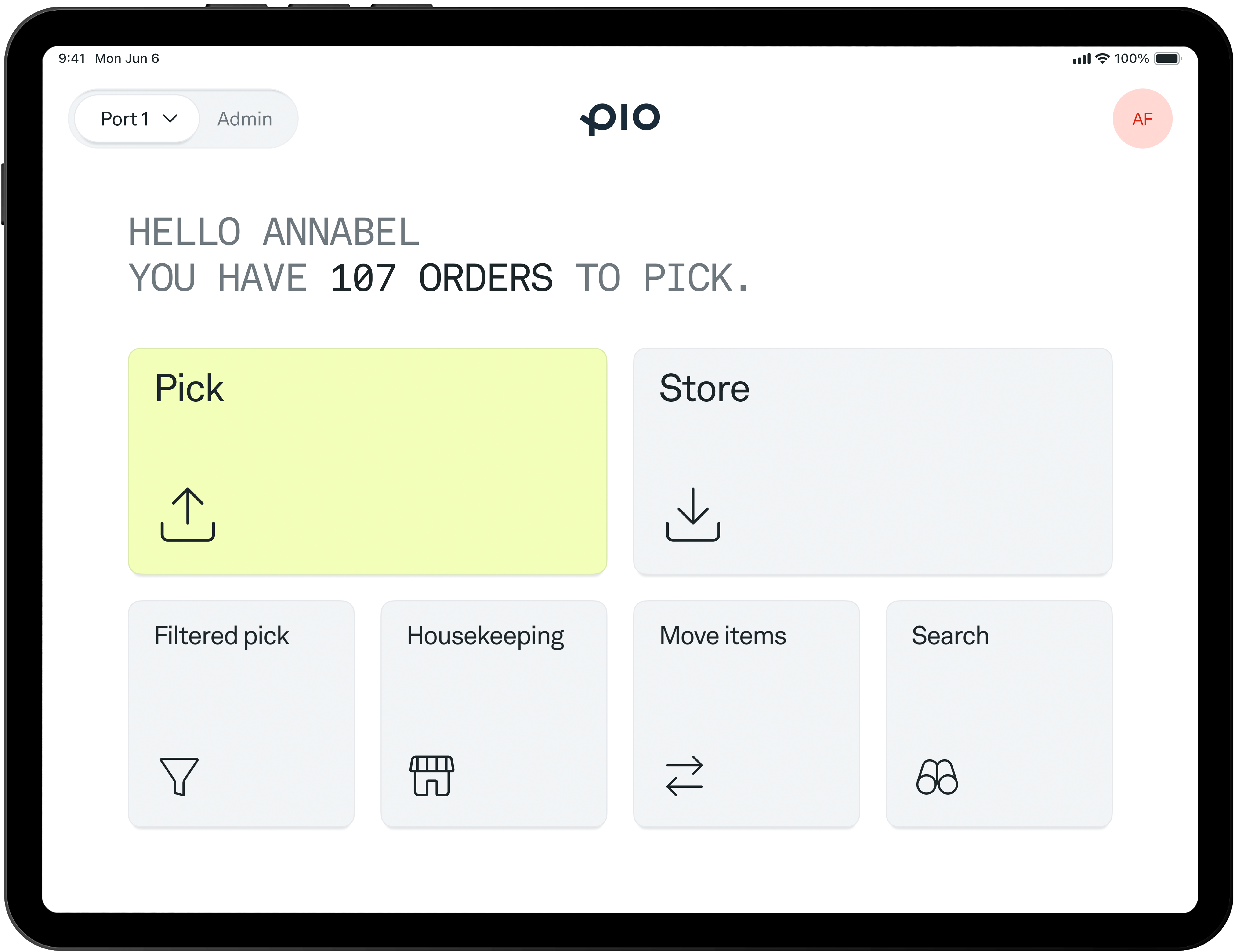
Pio keeps warehouse work simple. Robots bring the bins to your team, while the Pio app guides each step, from storing and picking to shipping and returns. Everything your team needs to keep orders moving, in one easy-to-use app.
Have questions? Book a quick call and we'll show you how Pio fits your warehouse and workflow.

.svg)
.svg)