

.webp?width=48&name=Employee-photos--3-2%20(1).webp)


Get a walkthrough of Pio from warehouse expert Craig, or ask our chatbot.


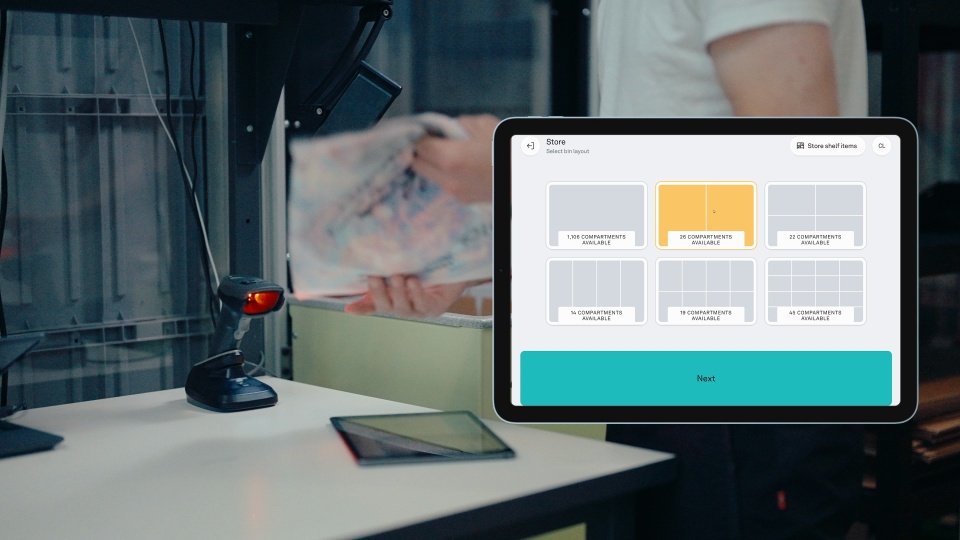


Be up and running fast with plug-ins. Standardized connections link your existing software to Pio for instant automation and a perfectly synced flow.


Run Pio on its own without integrating. Import orders with CSV uploads, manage fulfillment directly, and keep operations running smoothly.
We do not currently offer this integration, but you can integrate through our open API. See below:
.svg)

.svg.png)






Connect Shopify directly to Pio and turn online orders into warehouse action. Products, orders, and inventory stay up to date automatically, while Pio robots bring the right bins to your team for picking.
See how the Shopify integration works.
Additional recommended reads: Do You Really Need a WMS? and How to integrate a WMS with ecommerce and ERP.

 Products
 Products
Orders
Orders
Inventory
Inventory
Products
Orders
Orders
Inventory
Inventory
Run fulfillment smoother with ShipHero and Pio working together. Orders, inventory, and shipping data stay synced so your team can pick, pack, and ship without bottlenecks.
 Products
Orders
Orders
Products
Products
Orders
Orders
Dynamics 365 Business Central and Pio work together to connect your products, and fulfillment in one seamless flow. Your data moves automatically with no double handling and no delays.
 Products
Orders
Orders
Purchase Orders
Purchase Orders
Products
Products
Orders
Orders
Purchase Orders
Purchase Orders
Speed up fulfillment with ShipStation. Labels print automatically, carrier rates stay updated, and you can manage all your shipping channels from one simple setup.

 Shipments
Shipments
Shipments
Forecast demand and plan purchasing automatically. With Inventory Planner and Pio working together, you always know what to restock, when to reorder, and how to stay ahead of demand.
Combine receiving an storing in Pio, while updating PO in Inventory Planner
Purchase Orders
Purchase Orders
Make shipping flow effortlessly. Once an order is complete, labels print automatically and you can manage carriers, rates, and printers, all in one place. Assign printers to specific ports and keep fulfillment moving without the manual steps.
 Shipments
Shipments
Shipments
Connect your MyStore shop to Pio and keep everything in sync. Orders flow in automatically, inventory updates instantly, and fulfillment happens without the manual work.
 Products
Orders
Orders
Products
Products
Orders
Orders
Connect suppliers, warehouses, and sales channels into one system with Cin7 and Pio working together. Forecast with precision, handle orders with ease, and keep your business ready for anything that comes your way.
 Products
Orders
Orders
Purchase Orders
Purchase Orders
Products
Products
Orders
Orders
Purchase Orders
Purchase Orders
As soon as an order is finalized, shipping labels print automatically. Control carriers, rates, and printers from one centralized hub, with no manual steps required. Assign printers to specific ports to keep fulfillment fast and uninterrupted.
 Shipments
Orders
Orders
Inventory
Inventory
Shipments
Shipments
Orders
Orders
Inventory
Inventory

Pio’s API gives you full flexibility to connect with any ERP, WMS or Ecommerce platform . Sync products, orders and purchase orders seamlessly across your tech stack in real time. Our API is built as a REST API.
With webhooks for instant updates and a sandbox for safe testing, you can build and validate integrations before going live.
Find documentation here
We also have a Robotic API(e.g. to connect an robotic picking arm), documentation is coming soon. Contact us for more details.
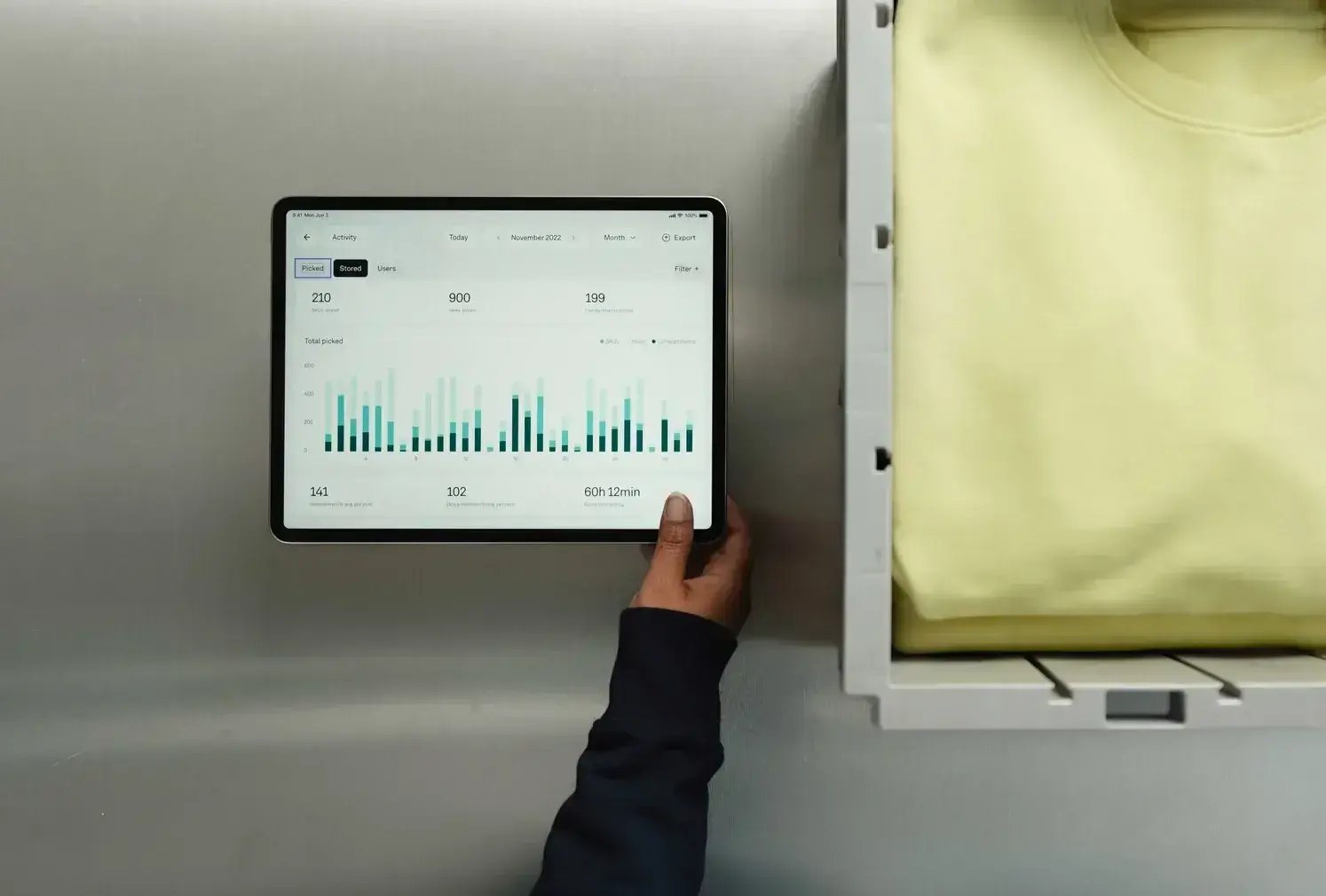
Run Pio on its own without integration. Import orders with CSV uploads, track fulfillment and place work orders directly in the Pio app, and stay in control of every step, no additional systems required.
It’s a simple way to get started, and you can connect integrations anytime as your setup evolves.


.jpg?width=6066&height=4044&name=Shoes-Pio-04157%20(1).jpg)
Reach out to explore collaboration or request access to our API documentation. Our team will guide you through the process.