.webp?width=48&name=Employee-photos--3-2%20(1).webp)


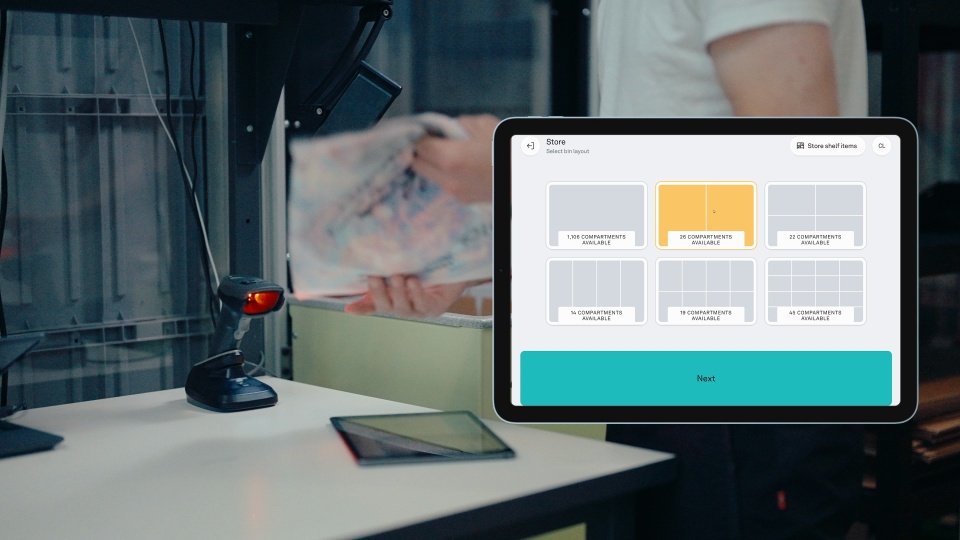

A WMS (warehouse management system) tracks your inventory and warehouse operations. An ERP (enterprise resource planning) handles broader business processes like purchasing and planning. Robots don't make decisions. They follow instructions, and those instructions depend entirely on the data they receive. When systems aren't aligned, even a small gap can slow everything down.
Think of integrations as the coordination layer of your operation. When they work, everything moves as it should. When they don't, even simple tasks start to break down.
How warehouse integrations work in real operations
Most warehouses don't run on a single system. You might have an ecommerce platform managing orders, a WMS tracking inventory, an ERP handling planning and purchasing, and shipping tools running in the background. Keeping all of these aligned is where complexity shows up.
At the core, every setup comes down to two questions:
-
Where do orders come from?
-
Where does inventory live?
Orders typically start in your ecommerce platform and need to move into your warehouse for fulfillment. Inventory is usually managed in your WMS or ERP and needs to stay consistent everywhere. Integrations are what keep those two in sync.
When they work well, operations feel smooth. Orders move through and inventory stays accurate. When they don't, issues appear quickly and teams fall back on manual fixes.
It often starts small: an order that doesn't sync, or inventory that's slightly off. Then it builds. Teams double-check stock, fix orders manually, and spend time figuring out which system is correct. Over time, the tools meant to help start to feel like extra work.
Common challenges in warehouse system integrations
Most teams understand the value of connected systems. The hesitation usually comes from experience.
When integrations don't keep up, operations feel slower, harder to manage, and more expensive to run. Typical issues look like this:
-
Data doesn't sync in time
-
Inventory and orders don't match across systems
-
Teams create manual workarounds just to keep things moving
As your business grows, your setup becomes more layered. More tools, more connections, more dependencies. That also means more points where things can break, which is why many teams hesitate to expand or add new tools. They've seen how quickly integrations can become complex.
The real challenge isn't connecting your systems. It's keeping everything connected without adding more complexity.
What systems can a WMS integrate with?
A WMS gets more useful with every system you connect. The most common integrations:
-
ERP systems. Inventory, orders, and financial data sync automatically. No manual double entry, fewer errors.
-
Ecommerce platforms. Orders and stock levels update in real time between your store and your warehouse.
-
Shipping and TMS tools. Rates, labels, and tracking flow straight from packing station to carrier.
-
Barcode and RFID scanners. Every scan updates stock instantly, so your numbers match your shelves.
-
Automation and material handling. Robots and conveyors act on WMS instructions the moment an order lands.
-
Supplier and vendor portals. Suppliers see your stock levels and replenish before you run out.
You don't need all six. Most operations start with ecommerce and shipping, then add the rest as they grow.
Making warehouse integrations simpler
So what does a simpler approach actually look like?
Pio is a warehouse automation system designed for small and growing businesses. The grid stores your inventory, the robots pick and store it, and the Pio app is the brain that ties it all together. You can learn more on the How Pio works page. But what matters here is how it connects with your existing tools.
When it's set up right, a few things become true: orders flow in automatically and are ready for fulfillment, inventory stays consistent across systems, updates happen in real time, and adding a new tool doesn't disrupt everything else.
Pio is built to make that happen. It connects directly to your ecommerce platform, ERP, or WMS, so orders flow in, work gets executed, and updates flow back automatically. You can see all available connections on the Pio integrations page.
That's also why getting started is fast. The Pio app is designed to integrate quickly with what you already use. Orders move from checkout to picking, and status updates return as the work happens.
In practice, that means:
-
Fewer systems to manage
-
A clearer flow from order to shipment
-
Less manual coordination between tools
The result is a setup where inventory stays accurate, orders move without friction, and growth doesn't mean adding unnecessary complexity.


3 ways to integrate with Pio
There's no single way to integrate with Pio. The right approach depends on your setup and how much flexibility you need.
1. Plug-ins, connect and go
Plug-ins are pre-made connections that link your existing software to Pio. They are the fastest way to get up and running. Some are built directly by Pio, others come through third-party providers. No coding, minimal setup, connect and go.
-
Shopify
-
ShipHero
-
Microsoft Dynamics 365
-
ShipStation
-
Inventory Planner
-
Webshipper
-
MyStore
-
Cin7
-
Packiyo
-
API Genie
For many businesses, this is enough. A traditional ERP is generic by design. You hire experts to configure it, pay for features you never use, and fight its rigidity every time your needs shift. A modular stack built around your ecommerce platform, with Pio running the warehouse, often does the same job with fewer moving parts and lower cost. Some businesses run their entire operation with just their ecommerce platform and Pio.
Here's what that looks like with Shopify. Inventory and orders sync continuously, prioritization rules in the Pio app respond to Shopify order tags, and with ShipStation or Webshipper connected, shipping labels print the moment an order is packed.
Not sure if you even need a WMS? We cover that in Do you really need a WMS?
2. iPaaS, connect through a platform
If your tools aren't on the plug-in list, an iPaaS (integration platform as a service) is the next step up. It's a third-party platform that sits between Pio and your other systems and handles the connection for you. It comes with a library of pre-built connections to popular ERP and WMS tools, so there's no custom development needed.
3. API, full control
The API is the right path when your system isn't covered by an existing plug-in or iPaaS connection, or when your workflows need something more specific. It gives you full flexibility to connect ERP systems, WMS platforms, ecommerce tools, and custom systems in whatever way fits your operation best. Some teams build integrations in-house, others work with external partners or consultants. Either way, Pio provides full documentation and support throughout. It's also the most involved option in terms of time and investment, typically taking a few weeks depending on scope and team.
Pio unplugged
Not ready to integrate yet? Pio unplugged lets you run Pio on its own without connecting to other systems. Import orders via CSV, manage fulfillment directly in the Pio app, and stay in control of every step. It's a simple way to get started, and you can add integrations anytime as your setup evolves.
Integrations that scale with your business
Warehouse integrations can be challenging, especially as your setup grows, but they don't have to stay that way.
With the right approach, integrations become easier to manage, more reliable, and far less time-consuming. That means fewer manual fixes, better visibility, and a setup that actually supports your growth.
Pio is built with this in mind. Fewer moving parts, a faster setup, and a system that grows with you. The goal isn't just to connect your systems. It's to keep them connected in a way that stays simple, flexible, and ready to scale as your business evolves.